

Two new tools quietly went live on the site over the past few weeks, both built around the same problem: finding the right rug usually takes more back-and-forth than it should, whether that is emailing about a price or scrolling through hundreds of listings hoping the right size turns up. Neither one requires an account or an app download. Here is what changed and how to try them.
Rug Finder, redesigned
Describe a room in your own words, palette, size, budget, whatever you have, and Rug Finder builds a shortlist for you from current inventory, not a generic style quiz. Type "warm living room, oak floors, around $3,000" and it comes back with real rugs that are actually in stock right now, sized and priced to fit what you described. It is the Rug Finder link in the site menu, and the banner that asks "Not sure which rug suits your room?" on the home page and collection pages goes to the same place.
The conversation now remembers what you already told it, so a follow-up like "actually, something warmer" refines the picks instead of starting the whole search over. That was the biggest complaint about the old version: every new message reset the shortlist to zero, so a long conversation felt like it was going backward instead of getting closer. You can also set a size before you start, about 9 by 12 feet give or take a foot, say, and tap a palette (warm, cool, neutral, bold or faded), so the rugs that come back are going to fit the floor, not just the mood board. If you have a photo of the room, add it and the picks work from that too.
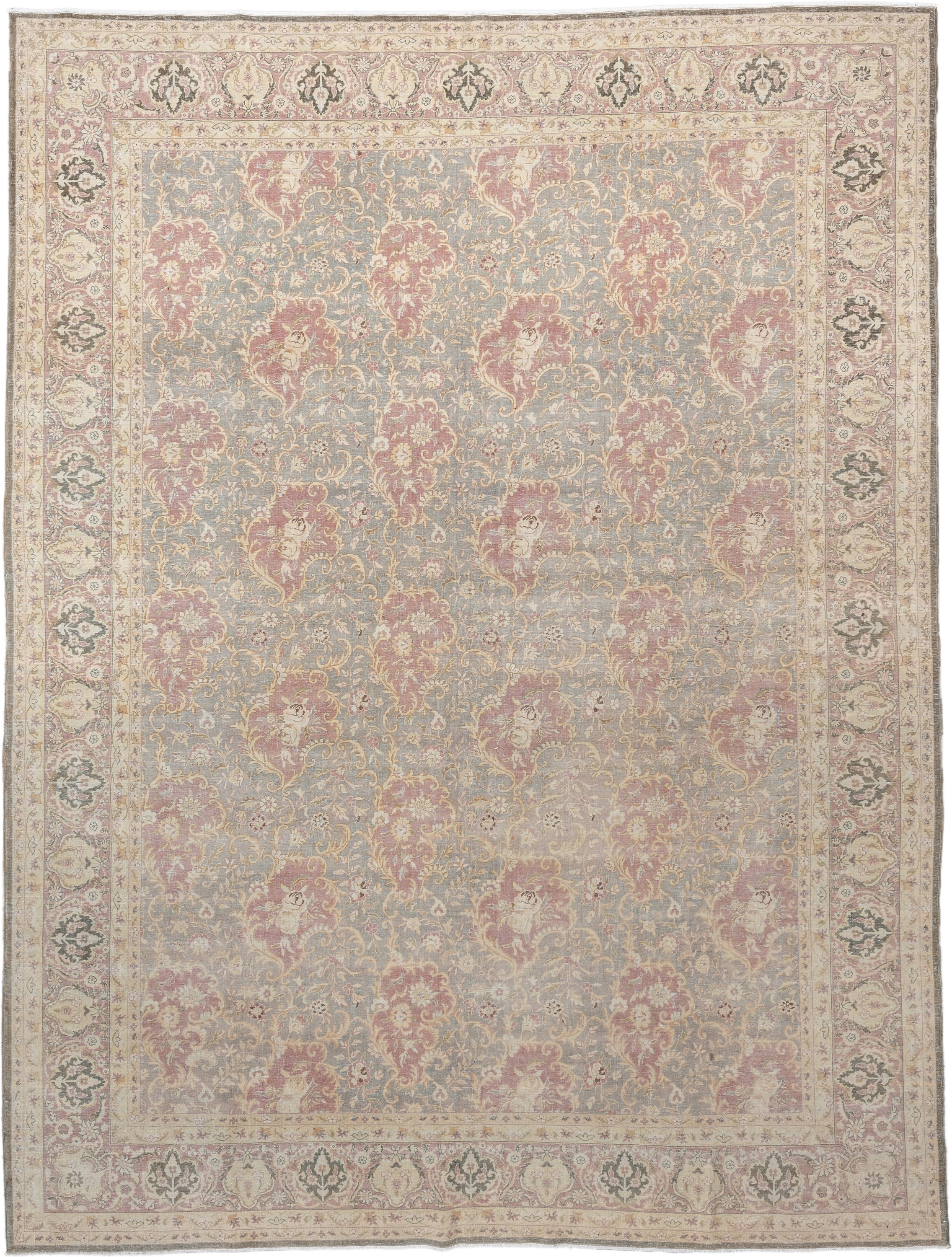
Try it against a piece already on our radar: open this Antique Mahal and ask for something in the same warm, faded family, or browse the full Mahal Rugs collection for more like it.
Rug Finder, right on the product page
Not sure if the rug you are looking at is the right size or color for your room? The same tool now sits on every product page, just under the rug's dimensions: a short row that starts with "Find..." and offers three ways in, Similar rugs, Other sizes and Lower price. Underneath it there is a text box, so you can type what you are actually after instead of picking a button.
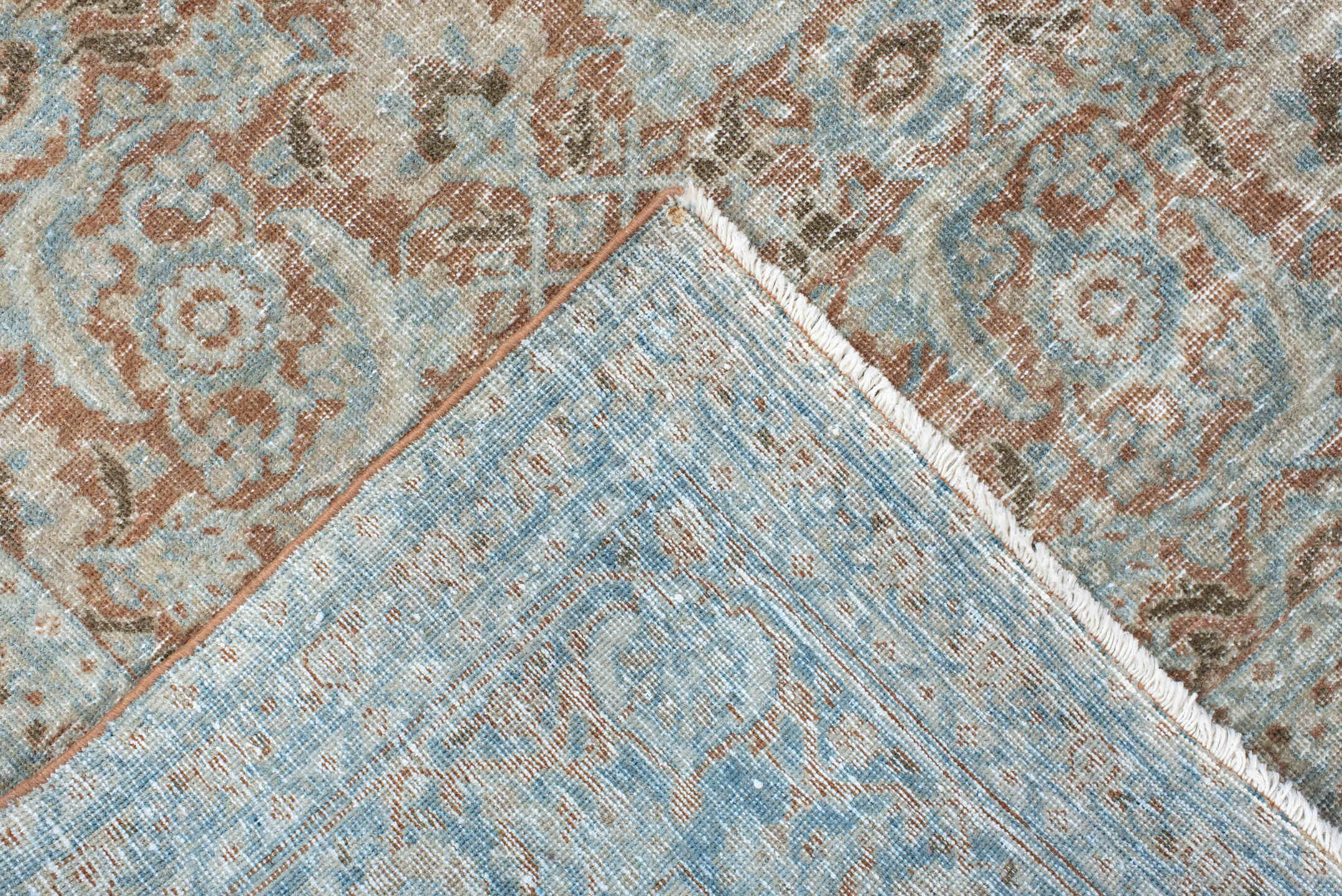
See it in action on this Antique Tabriz, or start from the broader Tabriz Rugs collection. Tap one and a panel slides in, asks what size and budget you have in mind, and surfaces matching in-stock pieces without ever taking you off the page you were already on. You can have the results emailed to you as well. It is built for the moment you like a rug but are not quite sure it is the one, rather than a full search from scratch, so it stays out of the way until you actually need it. If a rug has already found a home, that same row is where its closest replacements live.
Make an Offer
Every rug still available on the site now takes a private offer right on its product page, no email back-and-forth required. Look for the Make an Offer button next to the price, name your number, and you will usually have an answer in minutes from our team.
It is there on this Vintage Heriz and on every other piece that has not sold. Submit an offer and a small panel opens beside the rug holding your offer; you can keep browsing while it fills in the answer, either the deal at your price or our best counter on that exact rug. Once a price is agreed, that panel carries a checkout link. The full Heriz Rugs collection takes offers on every available piece.
Both are free to use, need no account, and are live on the site right now. If you are early in a search, Rug Finder is the fastest way to get a shortlist, whether you start from the menu or from a rug you are already looking at. If you already found the one, Make an Offer is the fastest way to close. Try whichever matches where you are in the search, on any rug on the site, not just the three above.